 All Parameters
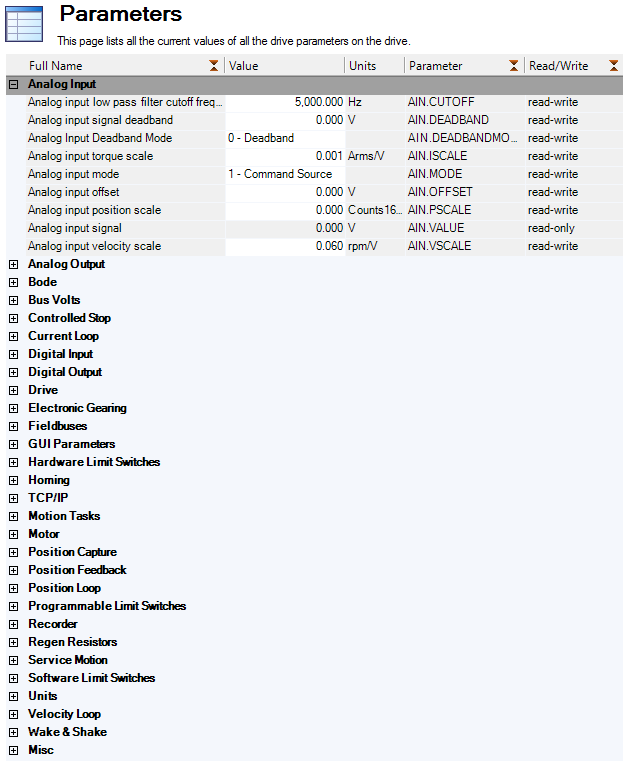
This screen displays a list of the current values of all the parameters that the drive supports. You can sort some of the rows by clicking the column headers.
| Button or Dialog Box | Description |
|---|---|
|
Refresh |
Reads all the parameters from the drive and update the contents of the table. |
|
|
Sends the data that you see on the screen to the printer. |
|
|
Opens an email message and attaches a comma separated file to the email message. |
|
More/Less |
Adds two more columns to the table with the range and default values for each parameter. |


